

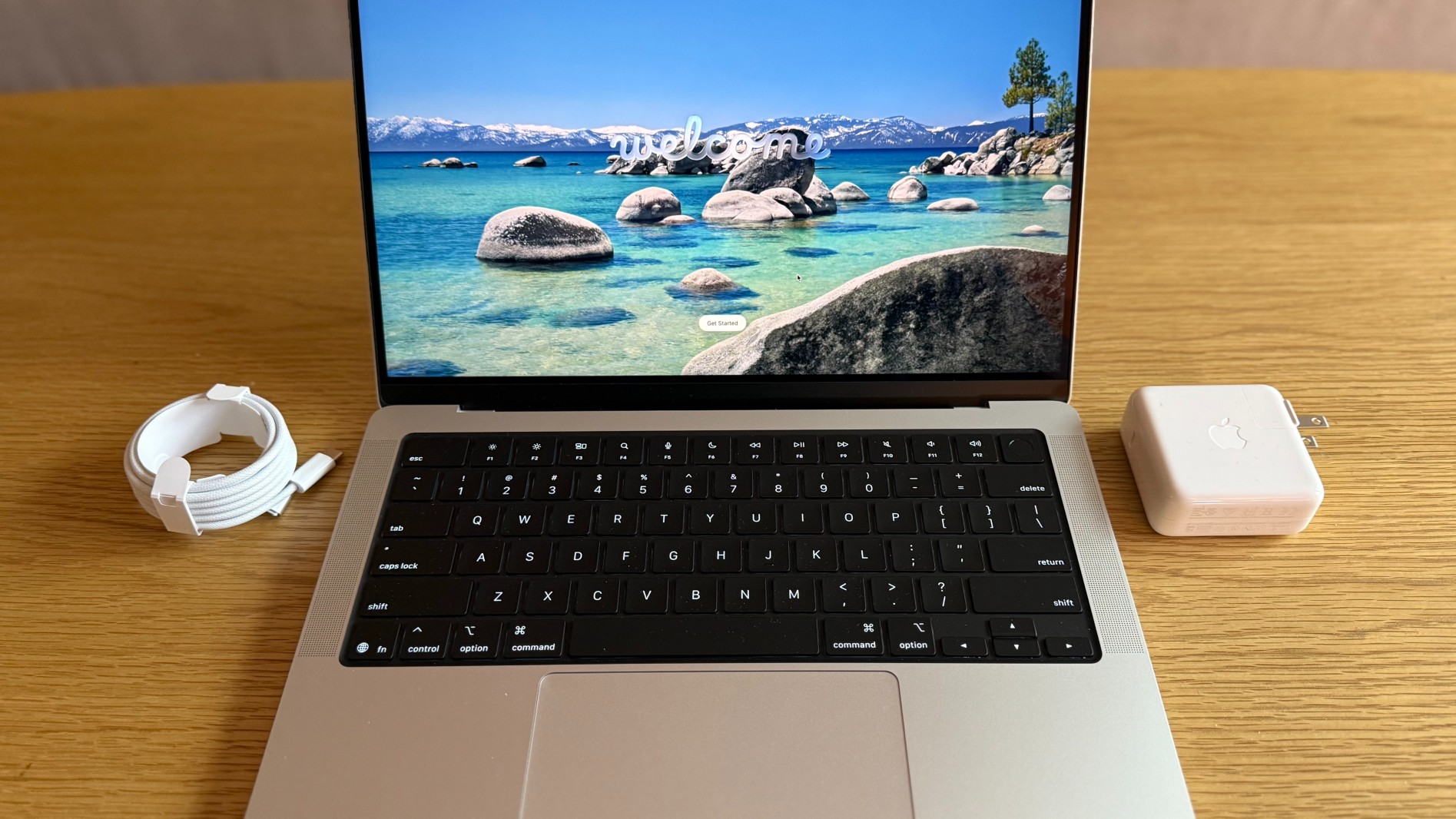
The Apple MacBook has always been popular among tech enthusiasts, and whenever a new model hits the market, you can see queues of people outside Apple stores to buy it, the same with iPhones. But we’re talking about the MacBook Pro M5 here.
This MacBook Pro was made available on October 22, 2025, and honestly doesn’t look much different from the previous versions at first glance: the same 14-inch body, the Apple logo, the same ports, and the same LED displays.
But once reviewers started to use the gadget for real work, they came across a pattern: big GPU gains, a fast SSD, and the same all-day battery that made the MacBooks so popular.
If you’re trying to decide between this MacBook, the older MacBook Pro M3, or the MacBook Air M4, this round-up will make the selection process easier.
The MacBook Pro M5 at a Glance
With the M5, you still get the premium XDR display, but you will get a jump in the storage and graphics and storage over Air.
So, what are the key specs of the MacBook Pro M5?
| Feature | MacBook Pro M5 |
| Chip | Apple M5 (10-core CPU, 10-core GPU, Neural Engine) |
| RAM | 16 GB base (Up to 32 GB) |
| Storage | 512 GB base (Up to 4 TB) |
| Display | 14.2 inches Liquid Retina XDR, 3024×1964, 120 Hz ProMotion |
| Ports | 3x Thunderbolt 4, HDMI 2.1, SDXC, MagSafe 3, headphone jack |
| Battery | 72.4 Wh, Up to 24 hours of battery life |
| Weight | 1.55 kg |
The MacBook Pro M5 Performance
Let’s see how the latest MacBook jumps ahead in terms of performance:
- CPU: Benchmarks show roughly 11% higher single-core and around 15% to 17% higher multi-core scores versus the M4 chip.
- GPU: There’s a significant boost in the graphics performance as well, with some tests putting the M5’s 10-core GPU close to the older Pro/Max chips from the previous MacBook editions.
- AI: The upgraded Neural Engine and GPU cores significantly speed up the on-device AI, like Apple Intelligence, local language models, and AI video effects.
Independent testing measures read speeds above 6,300 MB/s and write speeds around 6,000 MB/s, more than two times faster than the M4 Pro’s base drive and even higher than Apple’s own marketing claims.
The Battery Life: MacBook Pro M5 vs MacBook Pro M3 vs MacBook Air M4
The MacBooks are already known for their great battery life, and the MacBook Pro M5 just keeps this streak going. Let’s see in this table:
| Model | Typical Battery in Reviews | What it’s Best at |
| MacBook Pro M5 | Up to 24 hours | Long editing days, coding, and AI workloads with AC-free sessions |
| MacBook Pro M3 (14-inches) | Up to 22 hours of video streaming and 14 hours of web browsing | Great all-round pro if you find a discount |
| MacBook Air M4 | Up to 18 hours of light to medium use | For everyday users who want Pro-like speed and performance |
The takeaway:
- M5 Pro vs Air M4: The MacBook M5 Pro meets the battery life of the M4 Air and beats it under heavy workloads.
- M5 vs M3 Pro: The M3 Pro already had excellent endurance; the M5 just nudges it further, giving you better GPU and SSD performance.
Everyday Experience: Display, Design, and Thermals
Display and Build
- 14.2-inch mini-LED Liquid Retina XDR panel, up to 120 Hz, with HDR brightness, higher than the MacBook Air M4’s display.
- Optical nano-texture glass option cuts reflections if you work under bright lights.
- Same solid aluminium chassis, excellent keyboard, and large glass trackpad.
Thermals and Noise
- Under typical productivity work, the fans rarely spin up; the laptop stays near-silent.
- A long, 3D rendering will trigger audible fan noise, but the temperatures stay well under control, and performance remains stable thanks to the improved 3nm M5 chip.
MacBook Pro M5 vs MacBook Pro M3 vs MacBook Air M4
If you’re wondering which MacBook would be the best for you, this is where the differences really matter:
| Question | Best Pick | Why |
| Editing High-Resolution Videos (4k/6k) | MacBook Pro M5 | Strongest GPU and AI performance, very fast SSD, and active cooling |
| A Cheaper Pro for Coding and Light Editing | MacBook Pro M3 | Still excellent speed with the XDR display, often discounted now that M5 exists |
| For Office Work and/or Browsing | MacBook Air M4 | Best mix of price, battery life, and performance; quieter fanless design, still very fast |
In short:
- Pick the MacBook Pro M5 if you want the ‘Pro’ performance.
- The MacBook Pro M3 is the best if you find a great deal.
- Get the MacBook Air M4 for everyday computing with a near-Pro performance at a lower price.
The Accessories that Unlock the M5’s Potential
To really take advantage of the Pro M5, a few smart MacBook accessories will bring comfort to your workflow:
- A USB-C hub
- Apple Magic Keyboard
- Apple Magic Mouse
- A tilted stand to bring the MacBook to eye level
- A sleeve to carry the laptop
- A portable monitor is also a good idea
Should You Upgrade to the MacBook M5 Pro?
So, is the M5 Pro worth it?
- It’s not a radical redesign, as the designs and ports are almost identical to the M4 and even the M3 Pro.
- You do, however, get a noticeably better GPU performance, a much faster SSD, and strong AI acceleration, all while keeping the excellent display and battery life.
If you’re using the older MacBook versions, the M5 will be a huge upgrade in responsiveness, performance, and battery life. If you have an M3 Pro or an Air M4, you will be future-proofing your workloads rather than fixing anything broken.
AI-heavy workflows are coming next, and that is where the MacBook Pro M5 will shine, with its quiet and fast performance.


